Construction Estimate Template: Scope, Costs, and Change Control
Build a construction estimate with scope, labor, materials, allowances, exclusions, payments, and documented changes. Includes a reusable checklist.
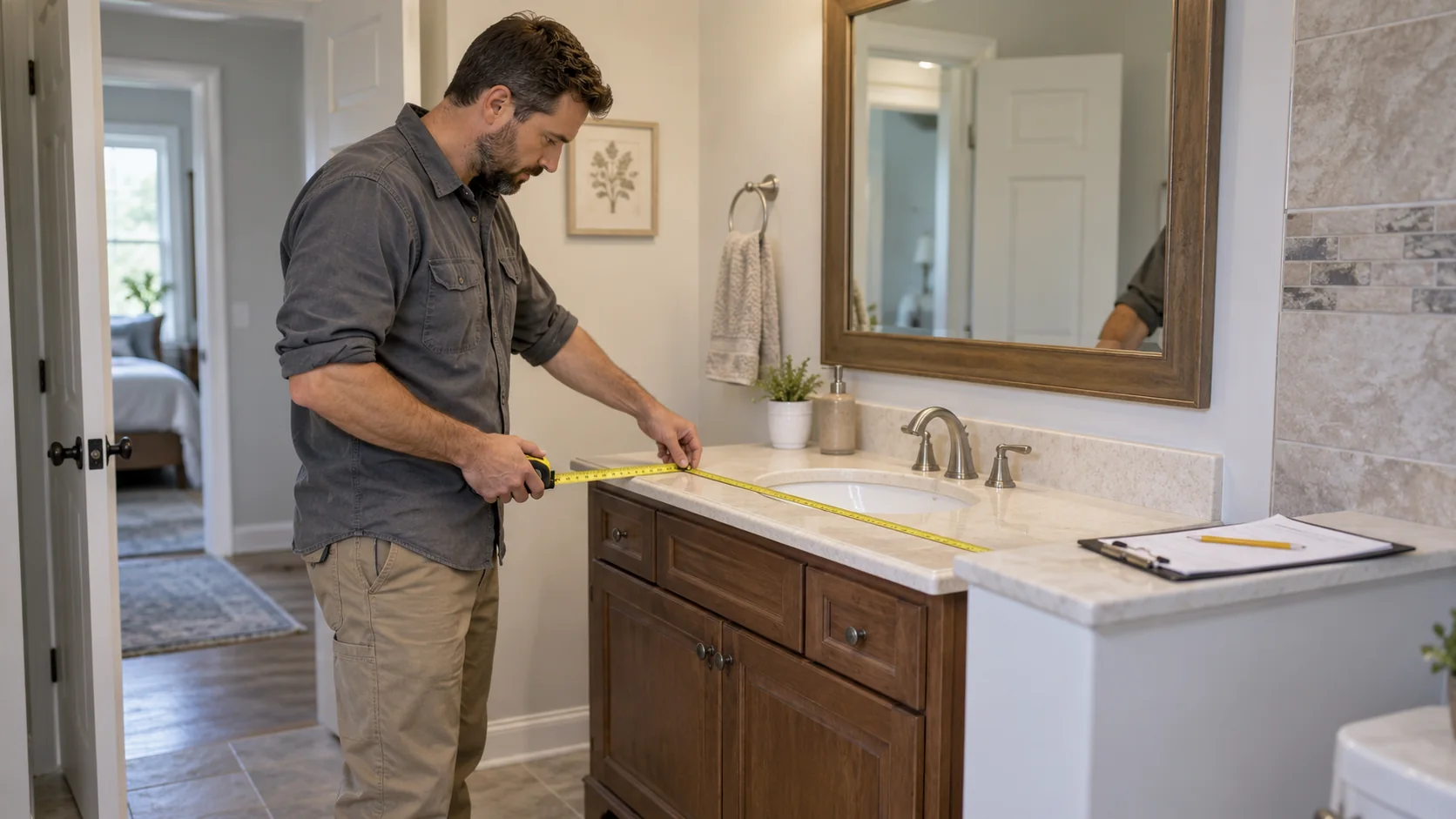
Check the fixture, access and included work before pricing a vanity replacement. AI-generated illustrative scene.
Quick answer: a useful construction estimate template identifies the parties and project, defines the included scope, breaks work into understandable cost categories, states assumptions and exclusions, records allowances and payment terms, and gives every revision a version and date. It is a planning and communication document—not a substitute for site verification, a contract, tax advice, permits, or approved changes.
Download the template: Construction estimate template for Excel (.xlsx). It includes editable line items, automatic totals, assumptions, exclusions, allowances, change control, and a worked example. Replace every example value with current project information before sending it to a client.
Free construction estimate template for Word
Download the blank Word estimate (.docx). This two-page English worksheet uses US Letter pages and USD fields. Page one records the proposed scope and cost lines; page two records assumptions, allowances, exclusions, proposed milestones and change references. It is an estimate worksheet, not a ready-to-sign contract or invoice.
Use Word when you want to edit the written scope and revision notes. Use the Excel workbook above when you need its calculations and worked example. The Word file has no automatic formulas: replace every bracketed field, calculate each quantity times rate, and check the total yourself. An allowance already in a cost row must not be added again below it.
For a vanity estimate, name who supplies the fixture, which removal and installation tasks are included, and what happens if hidden damage changes the scope. Put unresolved selections on page two and reference the same estimate number and version on both pages. Keep the earlier accepted version when issuing a revision; the worksheet does not establish approval, completed work or payment.
For a vanity replacement, "bathroom work" leaves several questions open: who supplies the fixture, what gets removed, which connections are included, and where finish repairs stop. Put those decisions beside the price. The worked example below shows how to separate included work from unresolved conditions without turning a blank template into a promise.
What to include in a construction estimate template
Section | What to record | Why it matters |
|---|---|---|
Project details | Client, project reference, site location kept private, estimate number, date, and version | Lets both parties identify the same document. |
Scope of work | Rooms, systems, tasks, drawings, specifications, and deliverables included | Prevents a broad label such as ‘remodel’ from hiding different expectations. |
Labor and materials | Units, quantities, assumptions, supplier references, and cost categories | Makes the estimate reviewable without pretending every early number is final. |
Allowances | What is provisional, the assumed amount or selection, and how an overage or credit is handled | Separates an unknown selection from a firm included item. |
Exclusions | Permits, design, hidden conditions, utility work, owner-provided items, or other work not included | Makes limits visible before the work is priced as included. |
Schedule and payments | Planning assumptions, milestone definitions, invoice timing, and payment method | Connects the proposal to an operational workflow. |
Changes | Who may request a change, how impact is priced, and when approval is recorded | Keeps an informal request from silently changing the baseline. |
The FTC's home-improvement guidance recommends written estimates and agreements, and retaining project documents. Requirements vary by state and job. Use this template to describe the work, then check the applicable contract, disclosure, licensing, insurance, permit and tax requirements for the actual project.
Start with a scope that can be checked
Write the estimate around observable work, not a promise to ‘finish the renovation.’ Name the area, existing condition if known, demolition or protection work, installation or repair tasks, materials or performance level, tests, cleanup, and handoff. If drawings, photos, surveys, or specifications informed the estimate, list their date and version. Do not state that a condition has been verified unless someone has actually inspected it.
State the work included in plain language and group it by trade or phase.
Record quantities as measured, estimated, or to be confirmed; do not disguise an assumption as a final measurement.
Name dependencies such as access, utility shutdowns, owner selections, inspections, or preceding trades.
Describe the standard of finish or material specification where it affects price or schedule.
List exclusions beside the related scope instead of hiding them in a final paragraph.
Use cost categories without creating false precision
A detailed estimate can be useful even when some amounts are preliminary. Separate labor, materials, equipment, subcontractors, permits or fees where applicable, delivery, protection, waste handling, and contingency assumptions. The goal is not to make every project look predictable. The goal is to make uncertainty visible and assign a path for resolving it.
Cost category | Example detail to capture | Do not assume |
|---|---|---|
Labor | Trade, planned activity, estimated hours or unit basis | That an estimate is a guarantee of final labor time. |
Materials | Product category, quantity basis, supplier quote date, or selection status | That substitutions are equivalent without review. |
Allowances | Selection still open and the documented allowance basis | That an allowance covers every future choice. |
Contingency | Specific unknown condition or risk it addresses | That a contingency authorizes unrelated work. |
Taxes and fees | Treatment to be confirmed for the transaction and location | A universal tax rate or legal treatment. |
The IRS recordkeeping guide explains why records must support business income and expenses. Keep the supplier quotes, receipts, timesheets, accepted estimate versions, invoices, payment records and agreed changes needed for your accounting. Keeping records does not establish that an estimate or site measurement was correct.
Allowances, contingencies, and exclusions are different
These terms are often mixed together, which makes later conversations harder. An allowance is a placeholder for a selection or scope element whose final cost is not yet known. A contingency is an amount or process tied to a stated uncertainty. An exclusion is work that is not included. Define each in the estimate and say how it will be revisited. Avoid presenting an allowance as a promised final price or a contingency as a blank check.
A seven-step estimate checklist
Create an estimate number, issue date, client reference, project reference, and version. Keep the accepted version intact when a later revision is issued.
Describe the baseline scope by area, trade, task, material level, and deliverable. Attach or reference the current drawings, photos, and specifications.
List assumptions that affect pricing: access, working hours, site condition, sequencing, owner selections, and what has not been measured or inspected.
Build cost categories for labor, materials, equipment, subcontractors, allowances, fees, and stated contingency. Mark provisional items clearly.
State exclusions and responsibilities. For example, clarify who provides permits, design direction, utility coordination, disposal, or owner-supplied materials when those items are outside the estimate.
Set payment and invoice milestones only after defining what each milestone represents. Review the applicable law and agreement instead of treating a generic schedule as a legal rule.
Document requested changes before incorporating them into the current version. Record the scope impact, cost impact, schedule impact, decision, and approval reference.
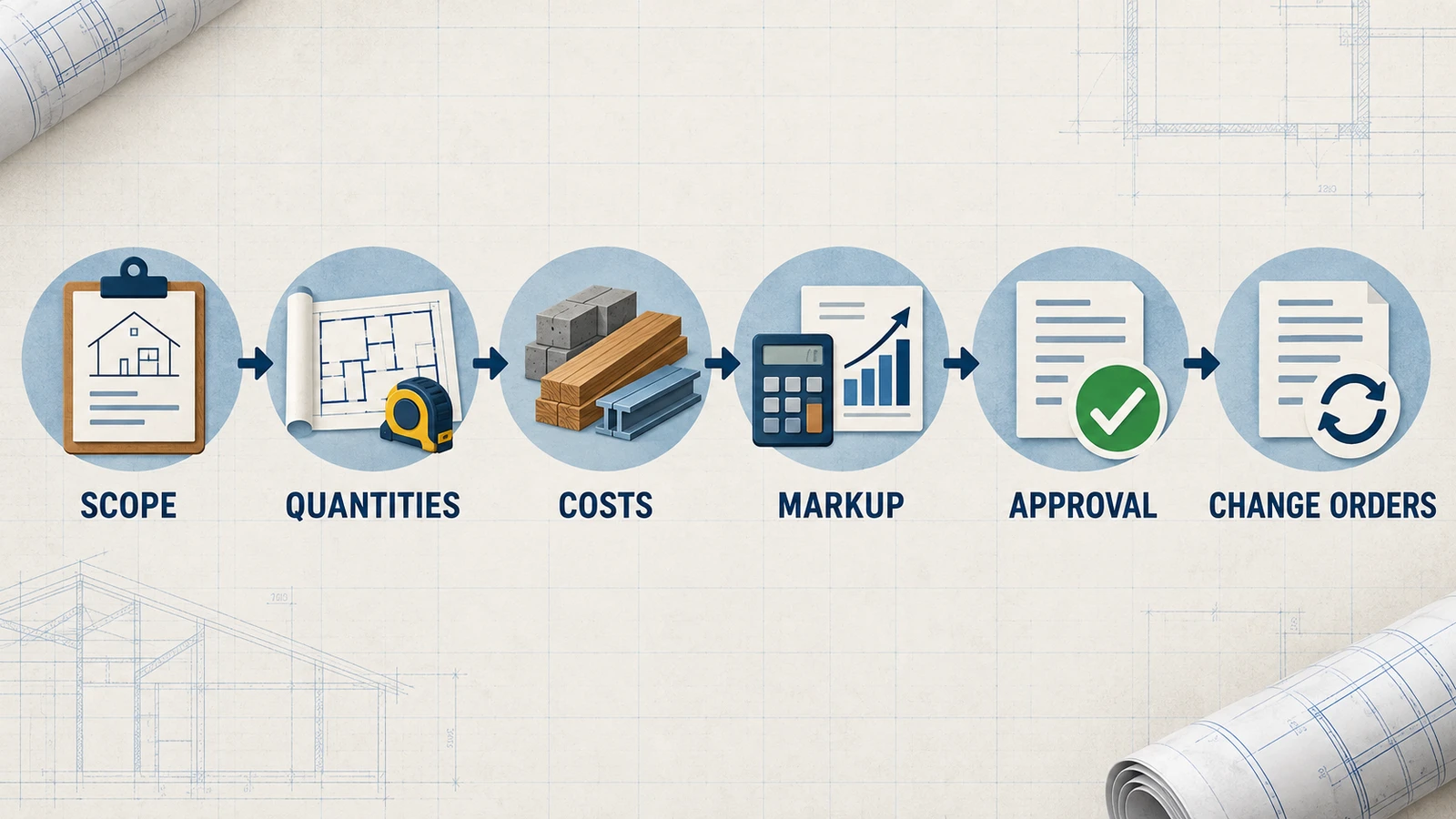
Worked scope example: replacing a bathroom vanity
Fictional US remodeling example: a customer wants one bathroom vanity replaced without moving it to another wall. The sample below shows how to turn that request into reviewable estimate lines. It is not a quote, a recommended price, a measurement, or a complete technical work specification.
Estimate line | Included example scope | Clarify before pricing |
|---|---|---|
Protection and removal | Protect the route to one bathroom; remove one existing vanity | Access, disposal responsibility and work hours |
Vanity installation | Install one customer-selected vanity in the existing location | Dimensions, fittings and who supplies the fixture |
Connections and testing | Record the agreed connection work and completion checks | Condition of existing connections; qualified trade requirements |
Wall and finish repair | Define any limited making-good work included in the estimate | Finish boundaries; concealed damage remains unresolved |
Cleanup and handoff | Remove agreed waste and document remaining items | Delivery criteria and customer walkthrough |
Keep quantities and pricing tied to the actual site visit, supplier information and agreement. Do not insert an arbitrary labor rate, sales-tax percentage or allowance simply because the template has a blank field. Mark an unresolved selection or existing condition clearly and assign the next decision.
Suppose concealed water damage becomes visible after the vanity is removed. Preserve the accepted estimate. Record the observed condition separately, describe the proposed work and its price and schedule effects, and obtain the required decision before adding that work to the active scope. The record should distinguish proposed, approved and completed work.
Start with the editable construction estimate workbook and replace its sample values with your project's information. When reviewing a digital estimate-to-invoice workflow, explore YOTU Invoices for US construction and check current US plans. The software does not verify site conditions or approve changes for you.
Keep changes separate from the original estimate
A client request or newly exposed condition can change the proposed work. AIA's contingency-management guidance discusses reviewing and documenting proposed changes. Preserve the accepted estimate, give the proposed change a reference, identify added or removed work, and record the price, schedule effect and decision before treating it as active scope. The article is educational guidance, not the terms of your agreement.
A verbal request can start a conversation, but it should not erase the baseline. If urgent work must proceed, record why, who authorized the immediate action, what remains to be priced, and when the written record will be completed. That approach is more useful than retroactively editing the original estimate as if the change never happened.
How to turn an estimate into an invoice workflow
Once a scope or milestone is accepted, the estimate becomes a reference point for invoicing—not proof that the work was completed or approved. Before issuing an invoice, compare the invoice line items with the current accepted estimate, documented changes, the actual milestone, earlier invoices or deposits, and the remaining balance. Review tax treatment, customer details, payment terms, and required fields for your jurisdiction and agreement.
For repeat work, compare this workbook with YOTU's US estimating and invoicing workflow. Its public US pages describe estimates and invoices in USD alongside customer and project records. Check the current plan and review every document before sending. YOTU does not verify site conditions, approve changes or decide tax treatment for you.
Explore Yotu Invoices for construction · Create a Yotu Invoices account · Review the contractor software trial checklist
Common estimate template mistakes
Using one vague line item for multiple trades, materials, and responsibilities.
Writing a firm completion date before access, selections, permits, weather, inspections, and dependencies are understood.
Adding a client request to the invoice without a documented scope or approval trail.
Listing an allowance without saying what selection, quantity, or process it covers.
Treating a generic template as legal, tax, licensing, or insurance advice for every state or project.
Overwriting a previously accepted estimate instead of issuing a dated revision.
Frequently asked questions
What is the difference between an estimate and a contract?
An estimate explains a proposed scope, assumptions, and cost approach. Whether it becomes binding depends on the agreement, jurisdiction, and project.
Should a construction estimate include tax?
Check the transaction and location before stating tax treatment. This template does not provide a universal rate or legal conclusion.
What is an allowance in a construction estimate?
It is a stated placeholder for an item or selection not yet finalized, with a documented basis and adjustment process.
What is a contingency?
It is an amount or process tied to a named uncertainty; it is not an undefined reserve for unrelated work.
How should I document a change to the estimate?
Keep the accepted baseline, identify the requested change, document its impact and decision, and issue a dated revision when appropriate.
Can I invoice from an estimate?
Use it as a reference, then review the milestone, current scope, prior invoices or deposits, invoice details, and tax treatment before issuing an invoice.
Does this template replace permits or licenses?
No. Permits, licensing, inspections, and contract rules depend on the work and location.
Can Yotu Invoices verify measurements or approve a change order?
No. It helps organize documents; users remain responsible for measurements, approvals, execution, and accuracy.